

Schedule Google Business Profile posts
Connect a business location, write once and let Postalu publish your update at the time you choose.
One composer for every location
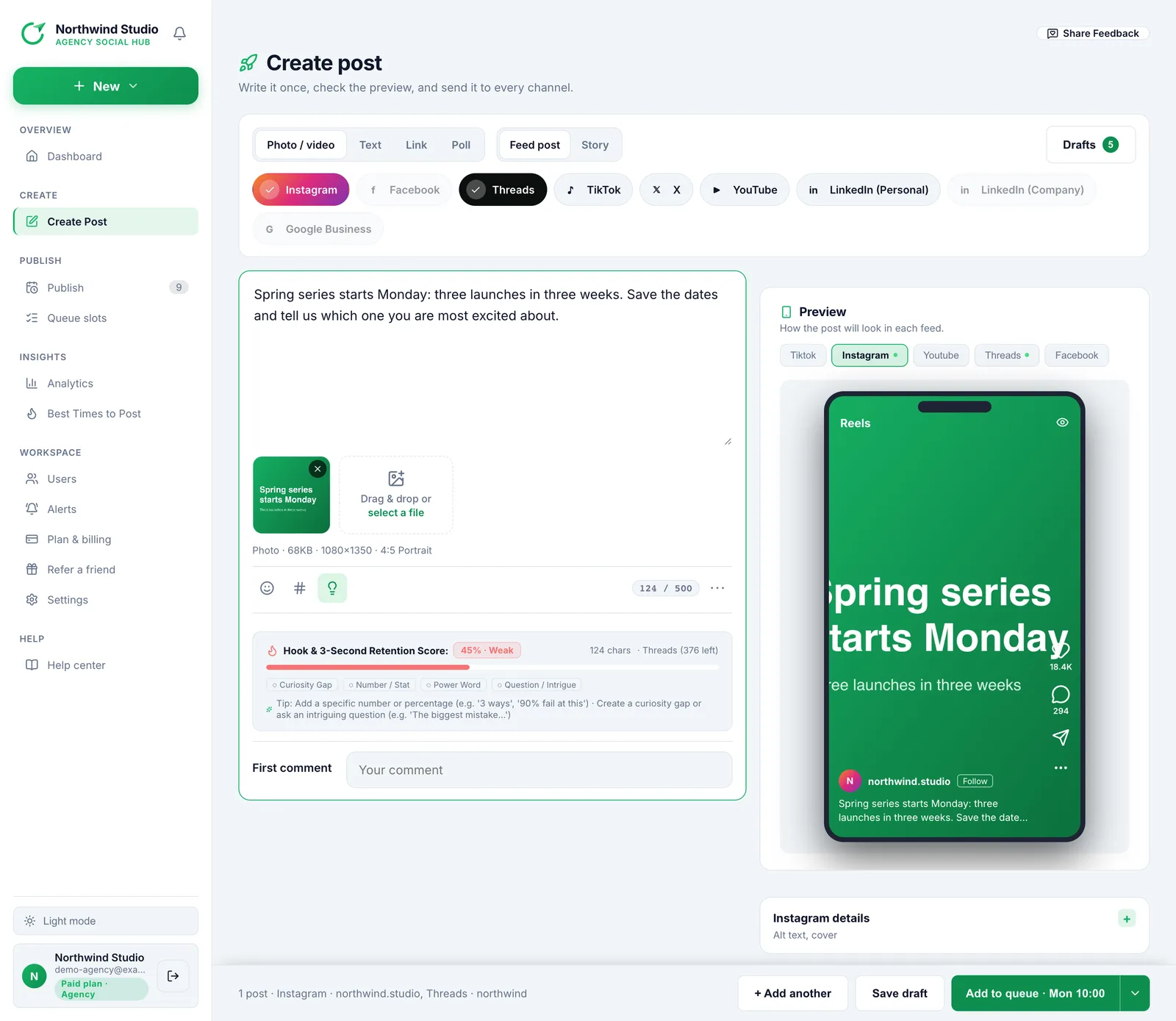
Pick the business location, add your update and an optional photo, and check the preview before it goes out.
- Updates up to 1,500 characters
- One photo per post
- Choose the location after you sign in with Google
Keep your listing fresh on a schedule
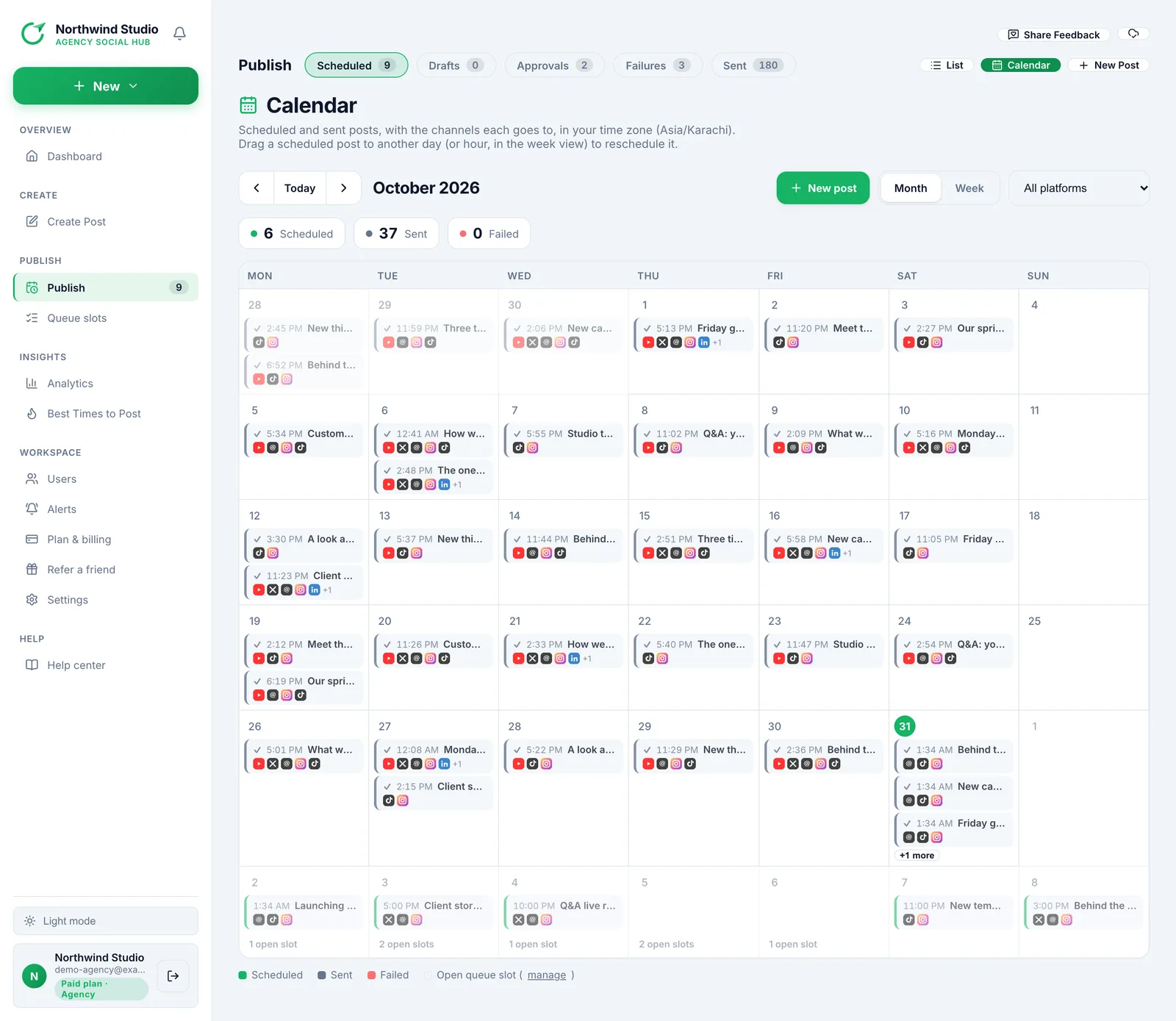
Queue weekly times for the next free slot and see Google next to your other channels on the calendar.
- Schedule days or weeks ahead
- Queues of weekly times
- Approvals before anything goes live
How it works with Google Business
Link
Create a Postalu account and authorise it on the platform's own consent screen. Postalu never asks for or sees your platform password.
Write once
Add your text and media in one composer and adjust the caption for each channel.
Schedule or publish
Pick a time on the shared calendar, or publish now, and follow the result in your history.
Publish to Google Business and every other channel
One composer and one calendar for all of them.
Postalu is an independent scheduling tool and is not affiliated with or endorsed by the platforms named on this page. Instagram, Facebook and Threads are trademarks of Meta; TikTok, YouTube, X and LinkedIn belong to their respective owners.
Publish to Google Business and every other channel
Create an account to connect your channels and send your first post.
