

Postalu × Facebook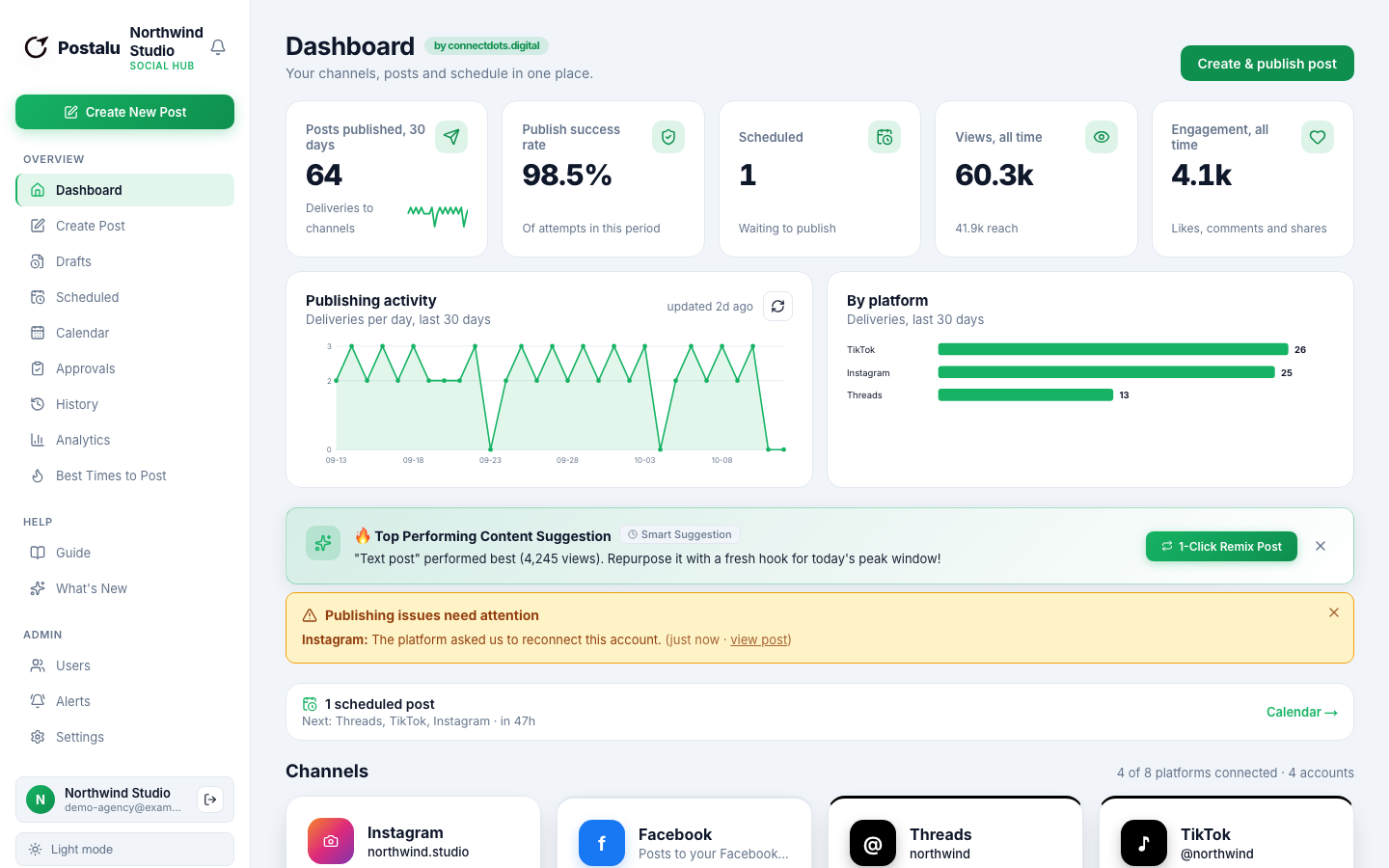
Schedule Facebook Page posts and Stories
Connect the Pages you manage and keep them active without logging in every day.
Publish to Facebook
- Posts
- Video
- Carousels (2 to 10)
- Stories
Write
Posts and Stories to your Page
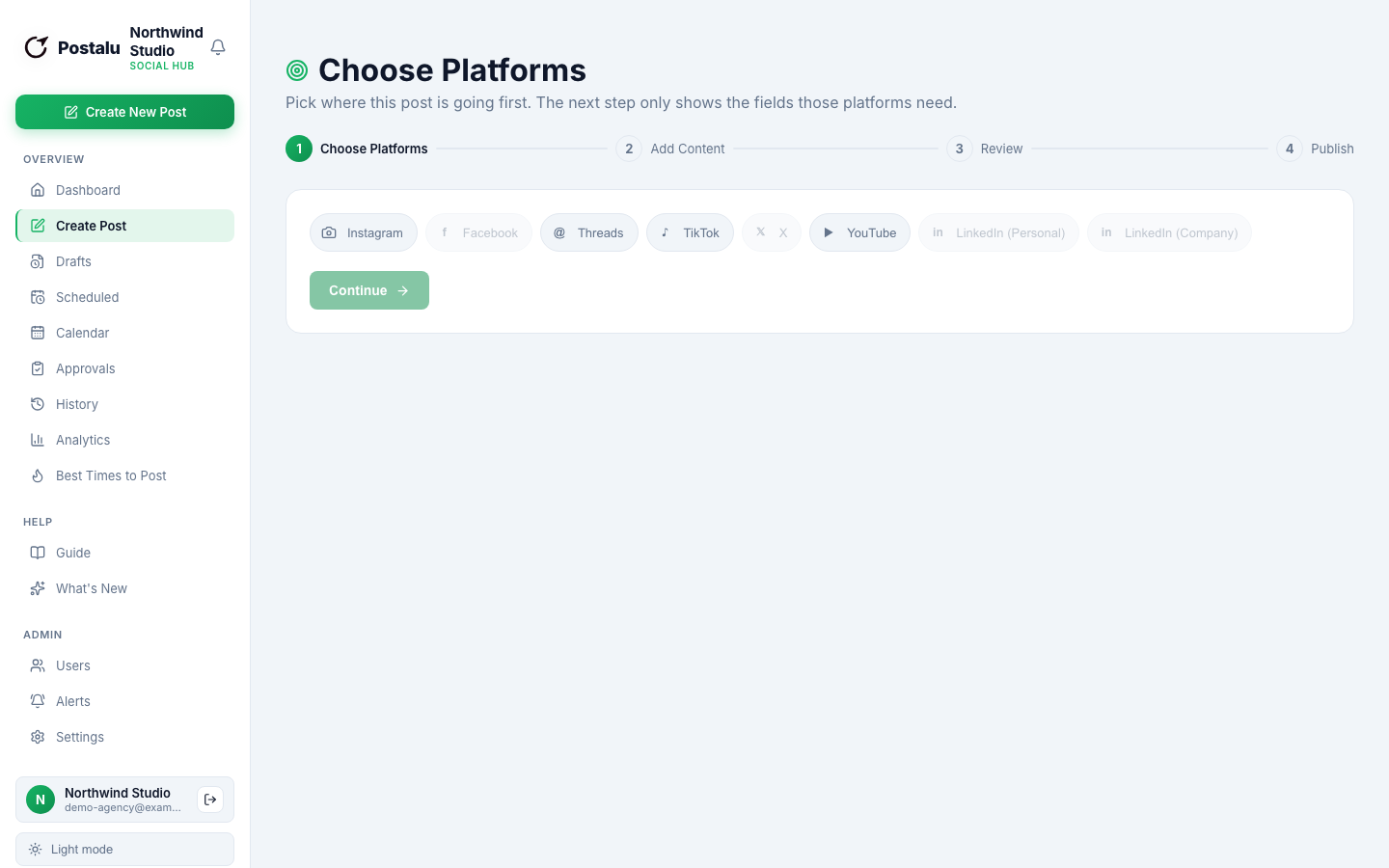
Write once, choose Facebook with your other channels and publish photos, video, carousels or a Story.
- Choose which Page each post goes to
- Feed post or Story with a clear switch
- First comment added automatically
Plan
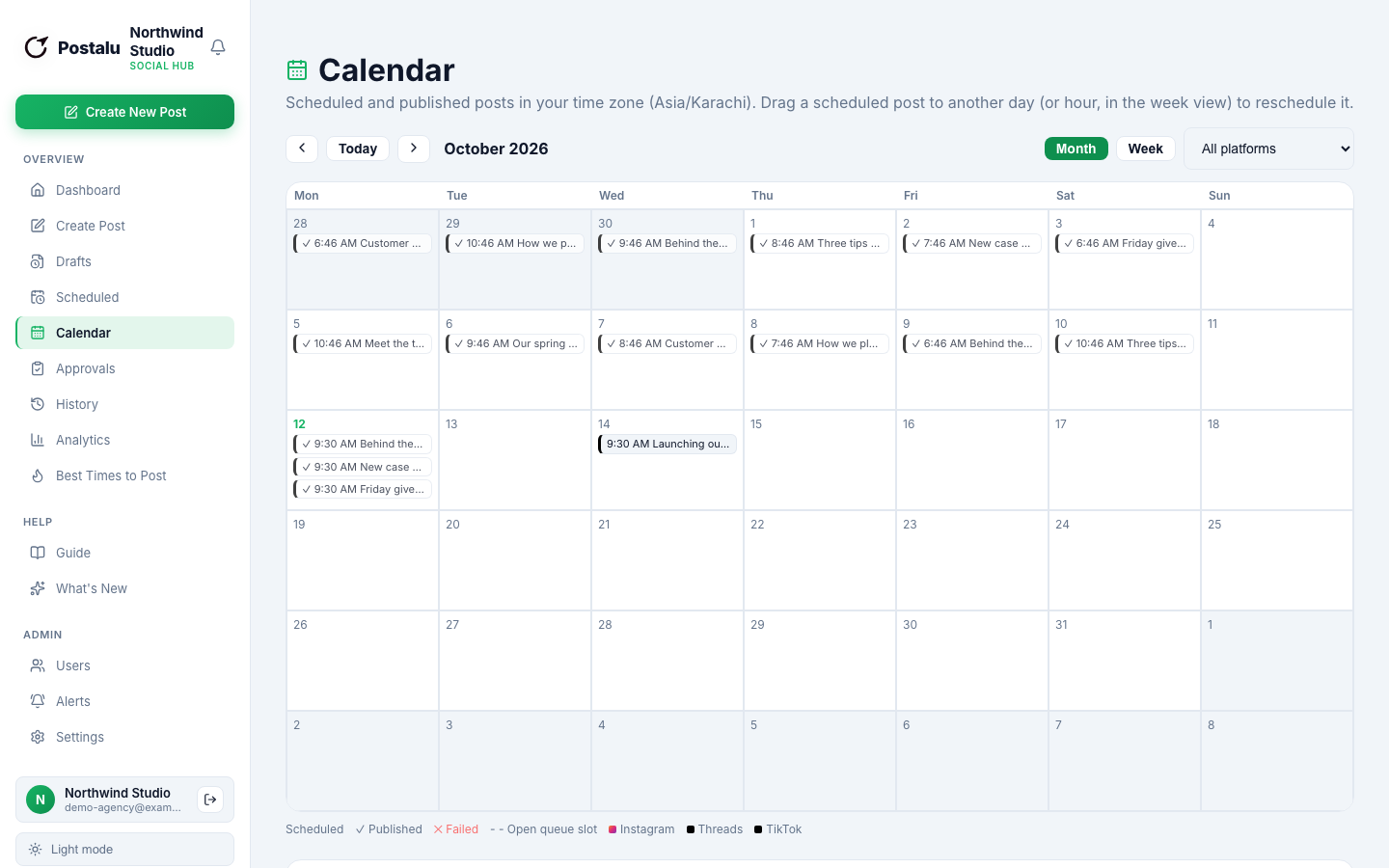
One calendar for every Page and channel
See what is going out on Facebook and everywhere else, and move posts with a drag.
- Schedule in batches
- Approvals for teams and agencies
- Roles for who can publish
Track
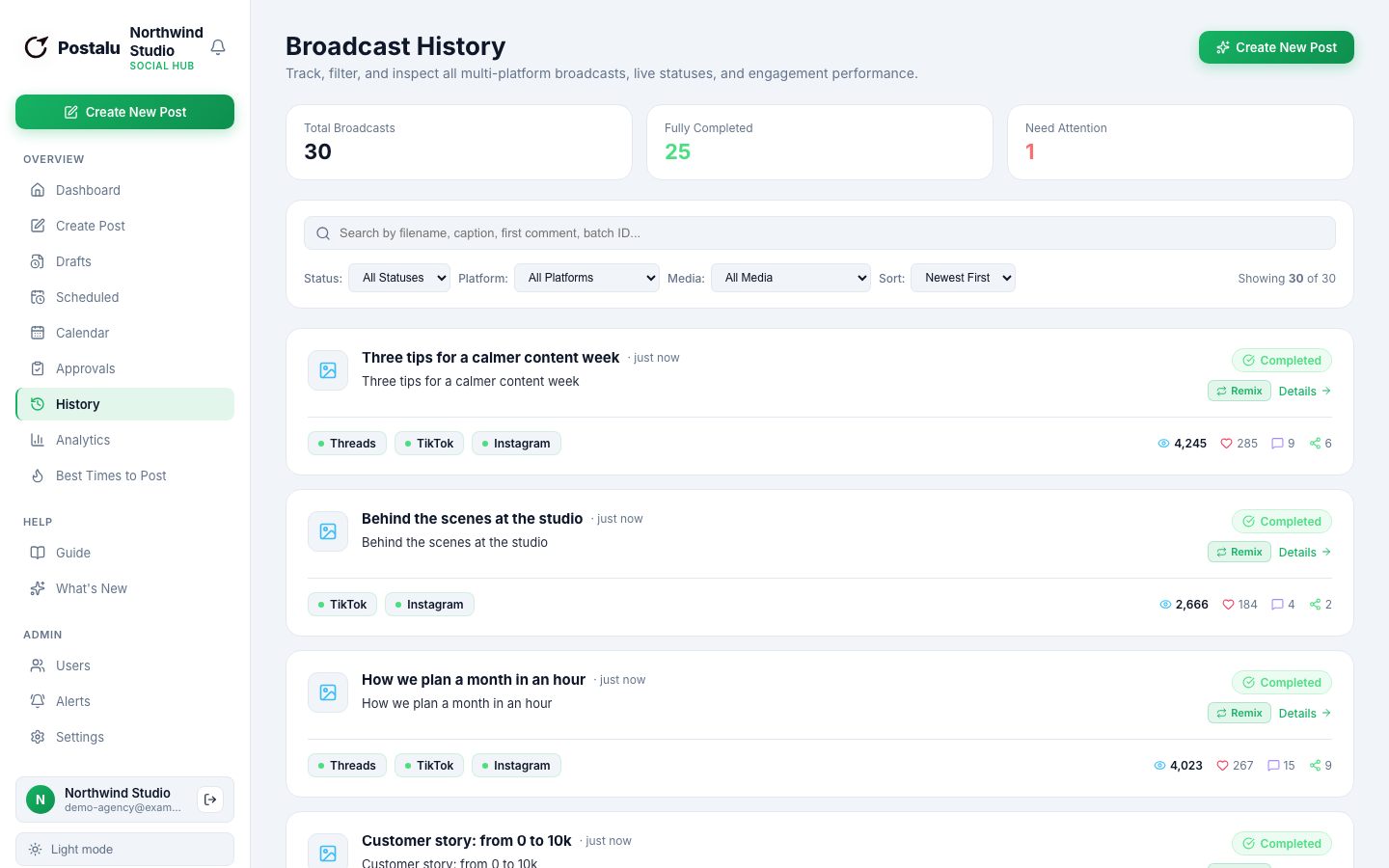
Know what happened to every post
Every publish is recorded with its result, and failures come with a plain-language fix.
- Reach, reactions and comments
- Status for every channel
- Reconnect links when a login expires
How it works with Facebook
1. Connect
Sign in to Postalu and connect your account. Your login stays with the platform; Postalu never sees your password.
2. Write once
Add your text and media in one composer and adjust the caption for each channel.
3. Schedule or publish
Pick a time on the shared calendar, or publish now, and follow the result in your history.
