

Postalu × Threads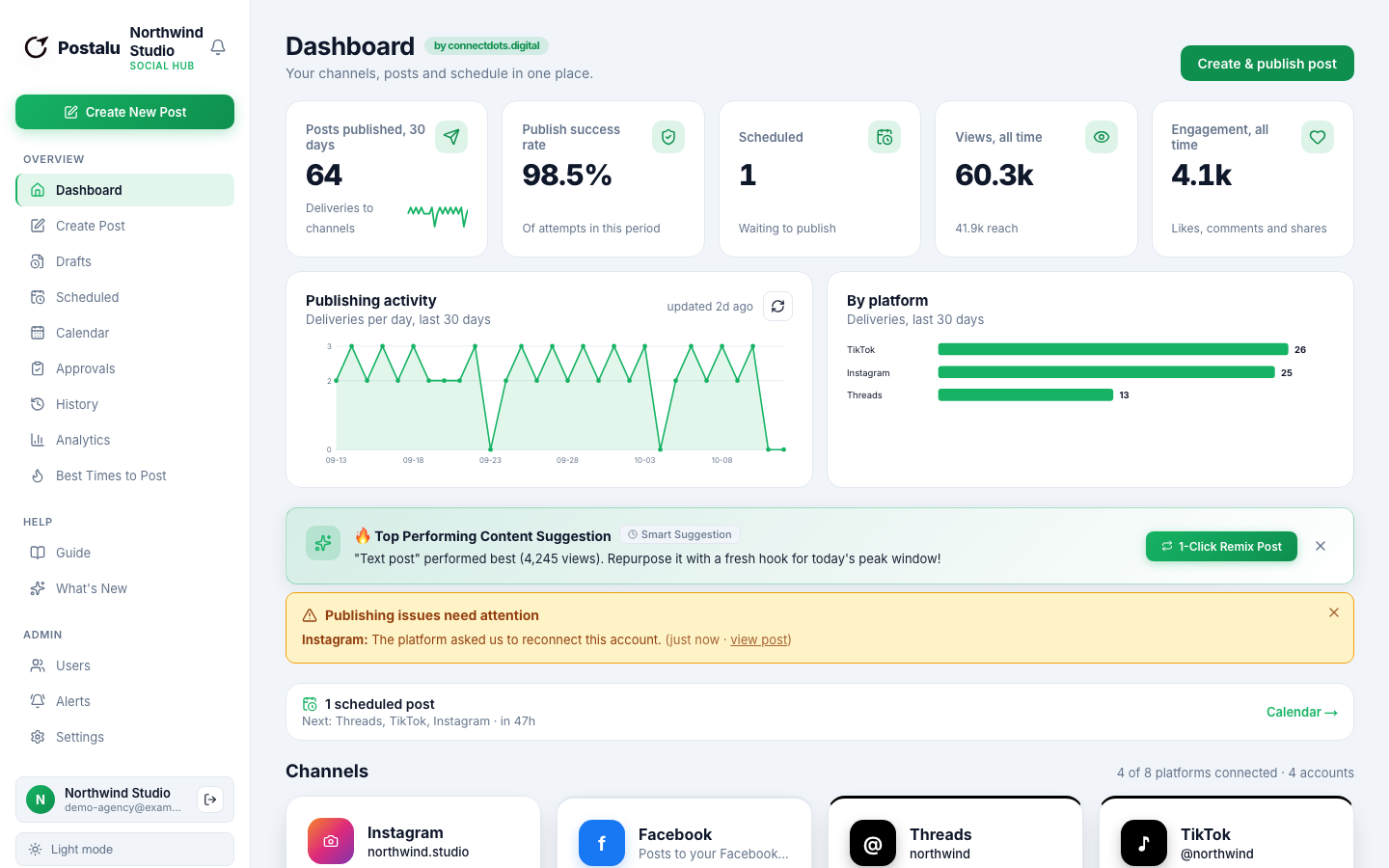
Schedule Threads posts
Queue text, image and video posts for Threads next to the rest of your channels.
Publish to Threads
- Text posts
- Images
- Video
- Carousels (2 to 20)
Write
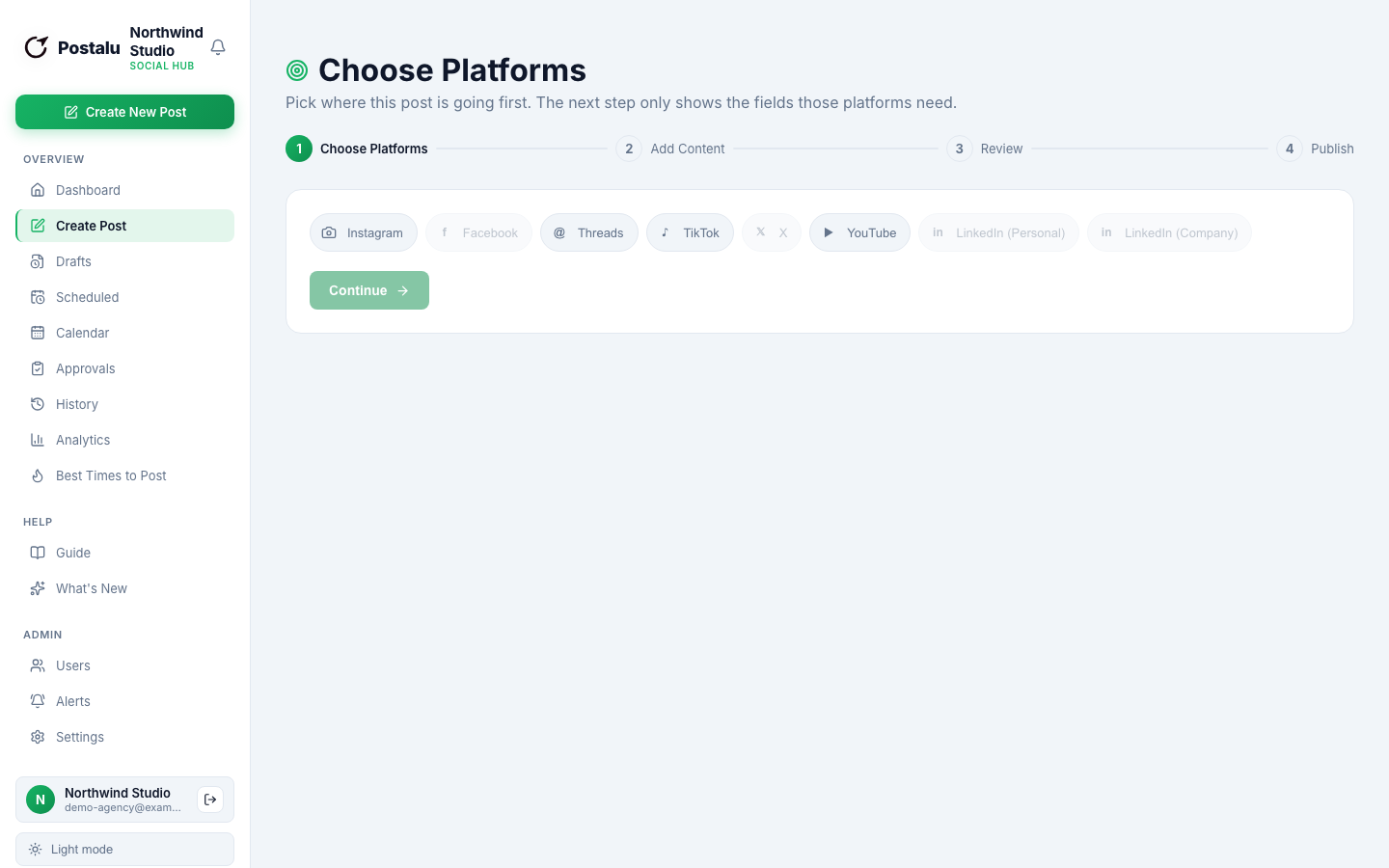
Text-first posts, with media when you want it
Draft a thread once, add images or video and keep your voice across channels.
- Single posts and carousels
- An automatic first reply for links
- Preview before it publishes
Plan
Threads alongside everything else
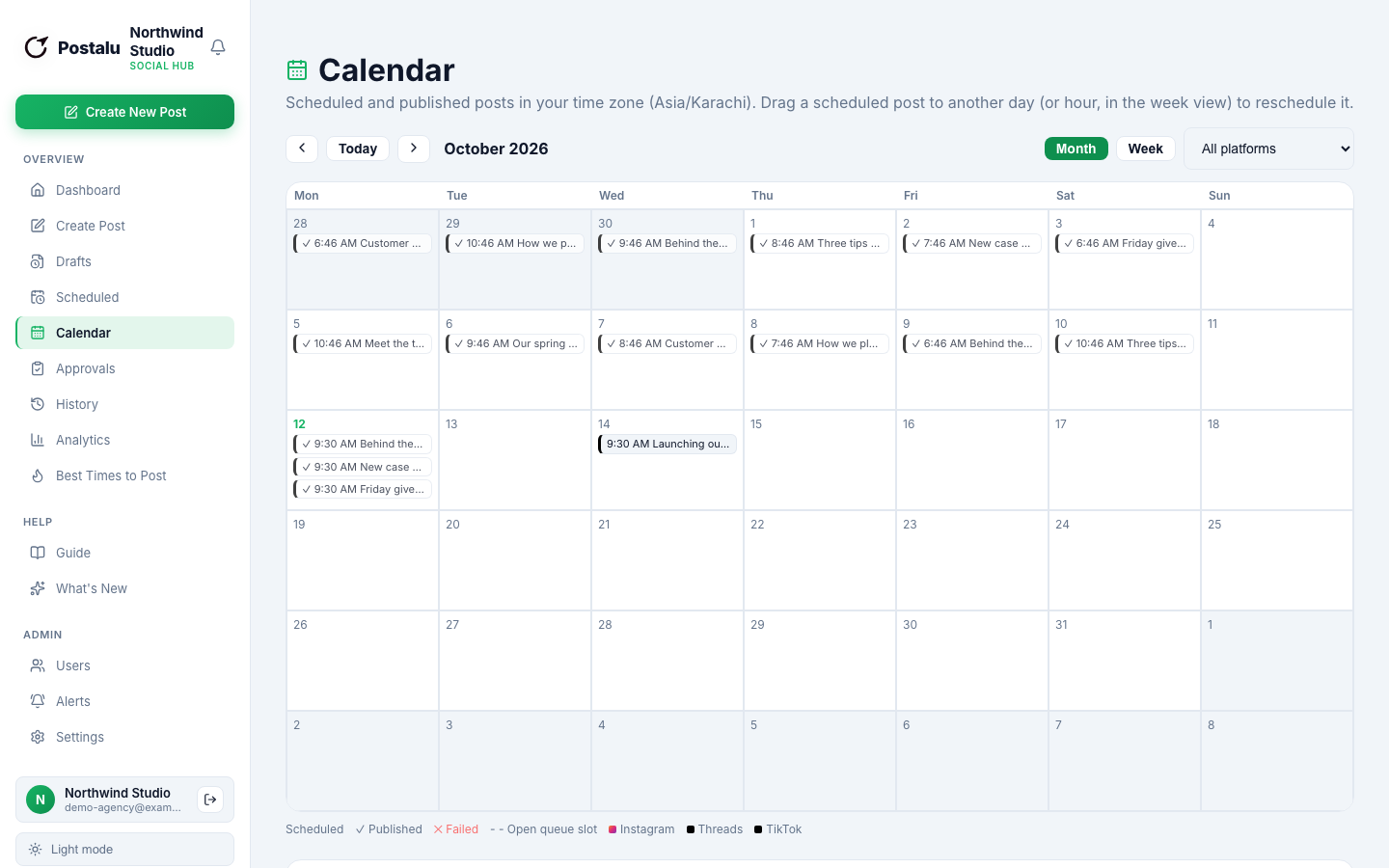
See Threads on the same calendar as Instagram, X and LinkedIn so nothing is posted twice by mistake.
- Schedule ahead
- Drag to reschedule
- Shared with your team
Learn
Metrics for every post
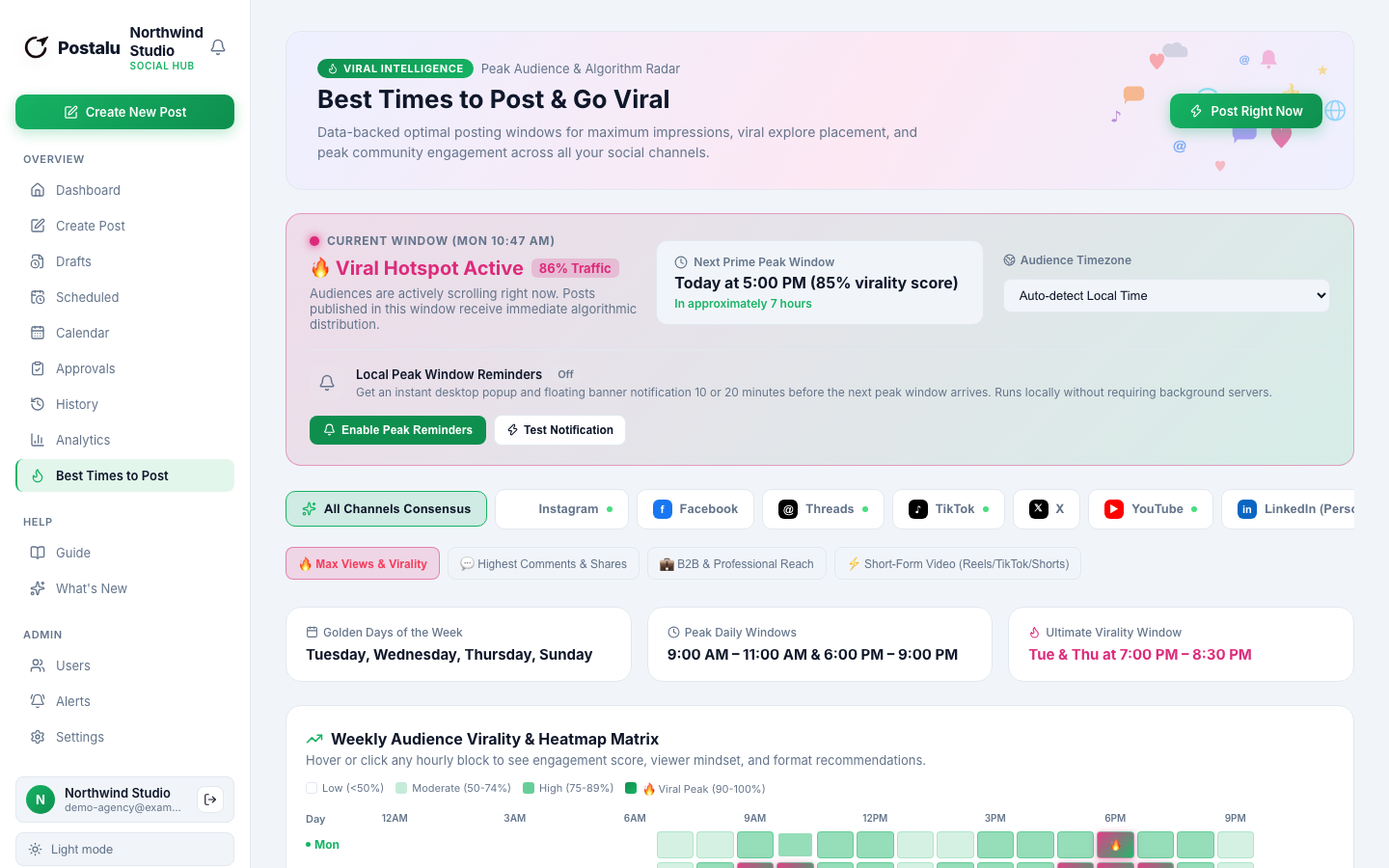
Check how each post performed and pick better times next week.
- Per-post metrics
- Best-time suggestions
- A history you can search
How it works with Threads
1. Connect
Sign in to Postalu and connect your account. Your login stays with the platform; Postalu never sees your password.
2. Write once
Add your text and media in one composer and adjust the caption for each channel.
3. Schedule or publish
Pick a time on the shared calendar, or publish now, and follow the result in your history.
