

Postalu × YouTube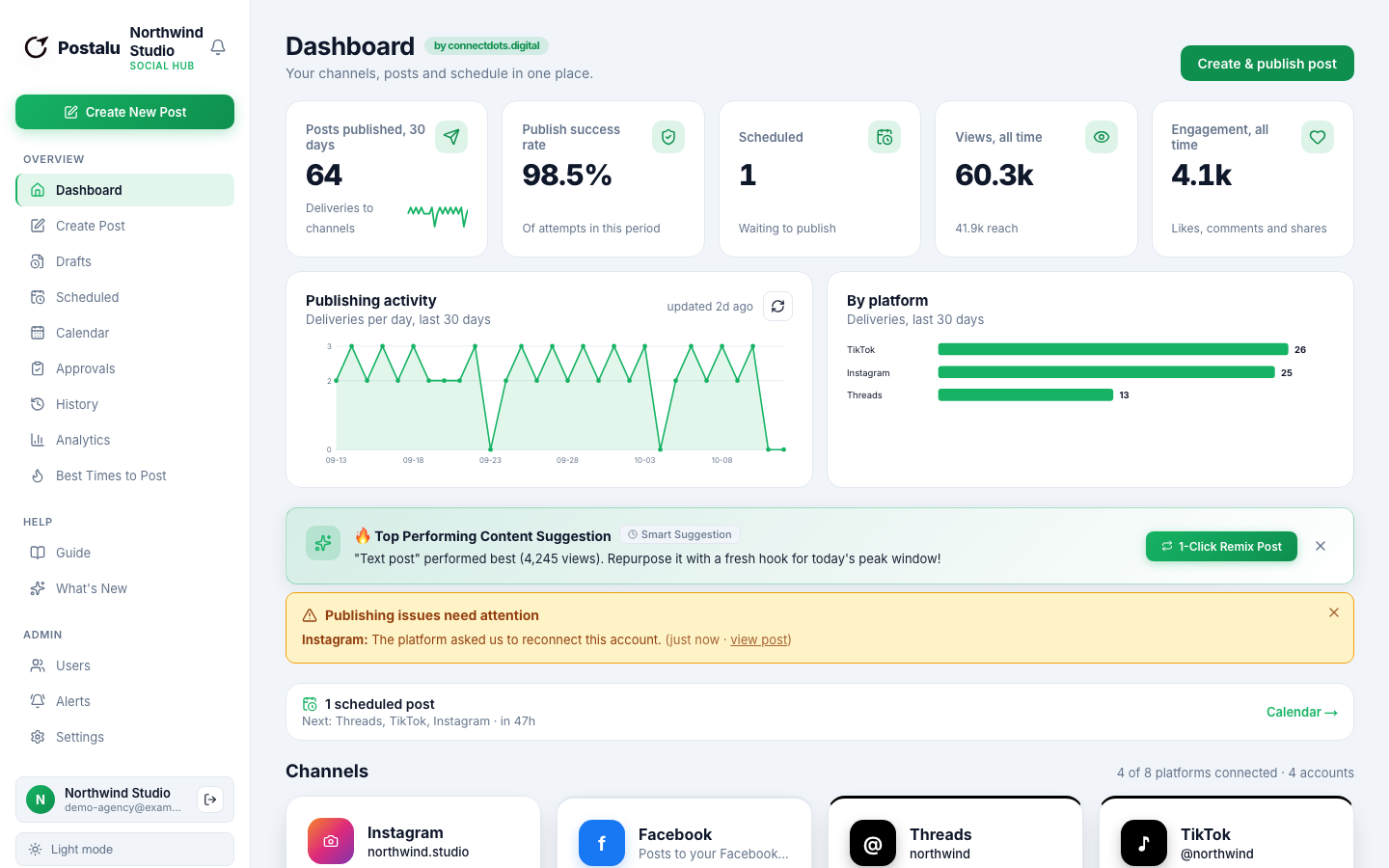
Schedule YouTube Shorts and videos
Upload once, set the details and have Postalu publish to your channel on time.
Publish to YouTube
- Shorts
- Videos
- Playlists
- Custom thumbnails
Write
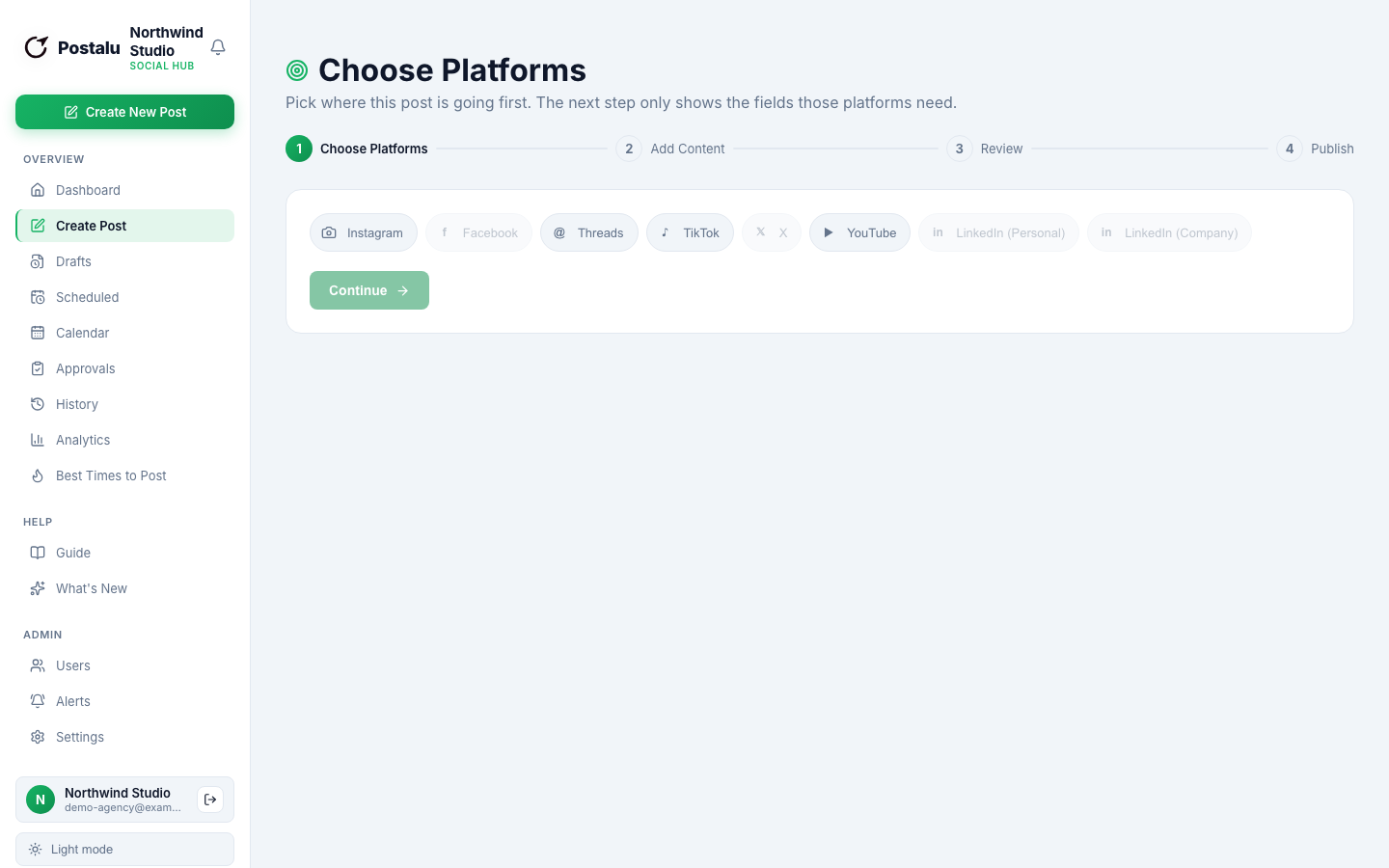
Title, visibility, playlist and thumbnail
Set the details YouTube needs in the same composer you use for every other channel.
- A title up to 100 characters
- Public, unlisted or private
- Add to a playlist, upload a thumbnail
Plan
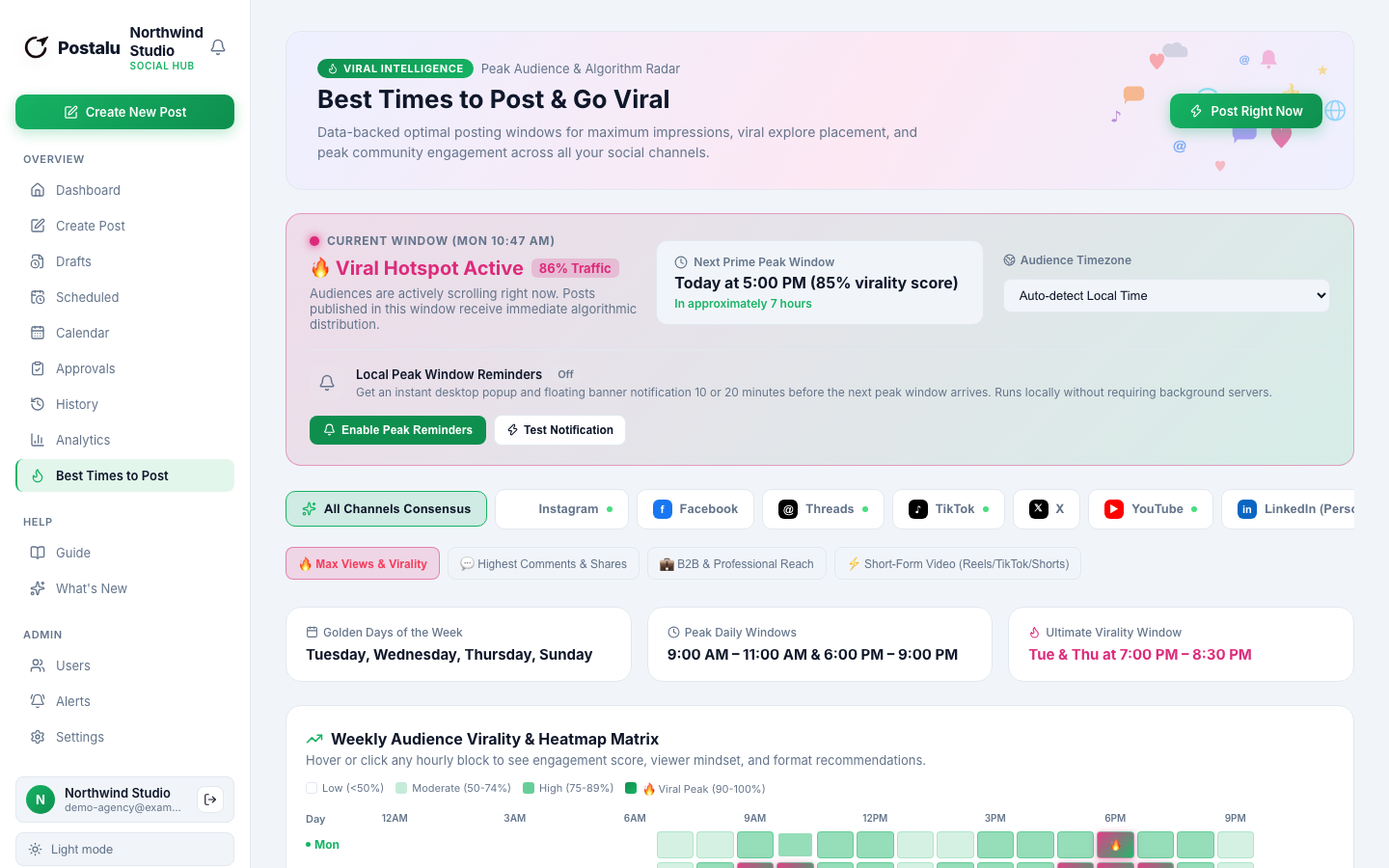
Publish when your viewers are watching
Schedule uploads on the calendar and get a warning before a login would expire.
- Schedule ahead
- Best-time suggestions
- A shared team calendar
Track
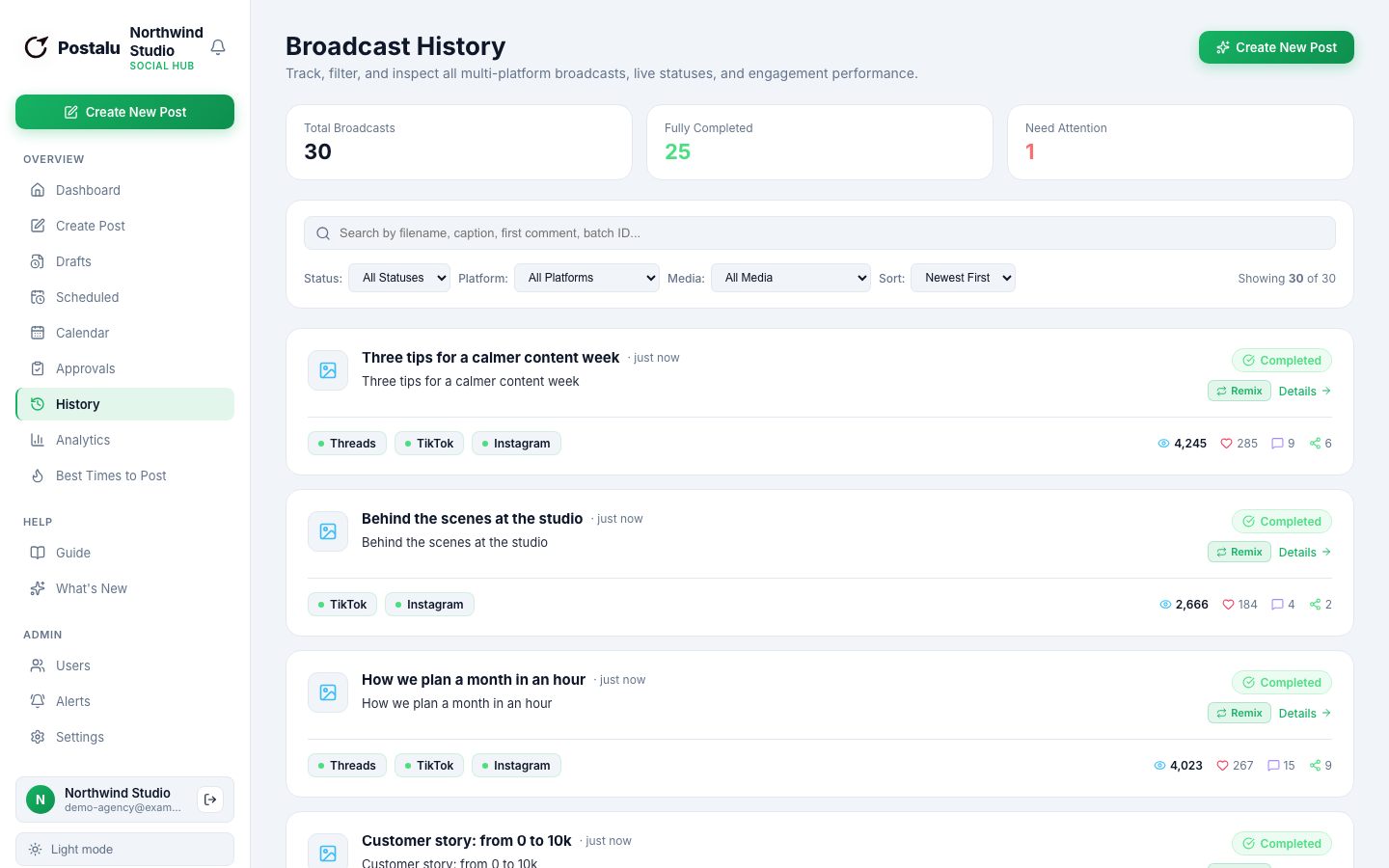
Views, likes and comments
Follow how each upload performs and pin your first comment automatically.
- Views, likes and comments
- First comment posted for you
- Every publish in your history
How it works with YouTube
1. Connect
Sign in to Postalu and connect your account. Your login stays with the platform; Postalu never sees your password.
2. Write once
Add your text and media in one composer and adjust the caption for each channel.
3. Schedule or publish
Pick a time on the shared calendar, or publish now, and follow the result in your history.
