

Postalu × Instagram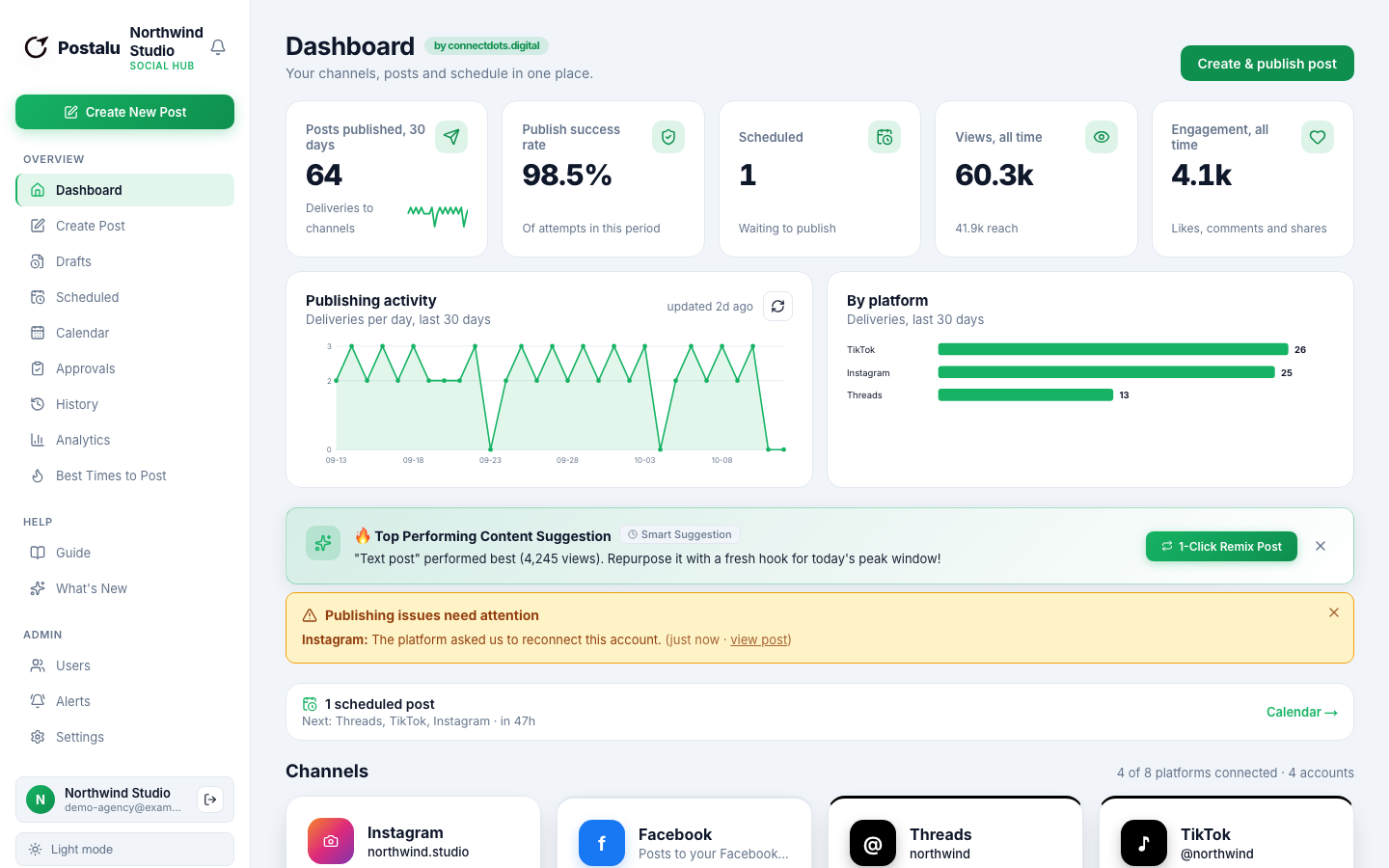
Schedule Instagram posts, Reels and Stories
Connect your Instagram Business account, write once and let Postalu publish at the time you choose.
Publish to Instagram
- Photos
- Reels
- Carousels (2 to 10)
- Stories
Write
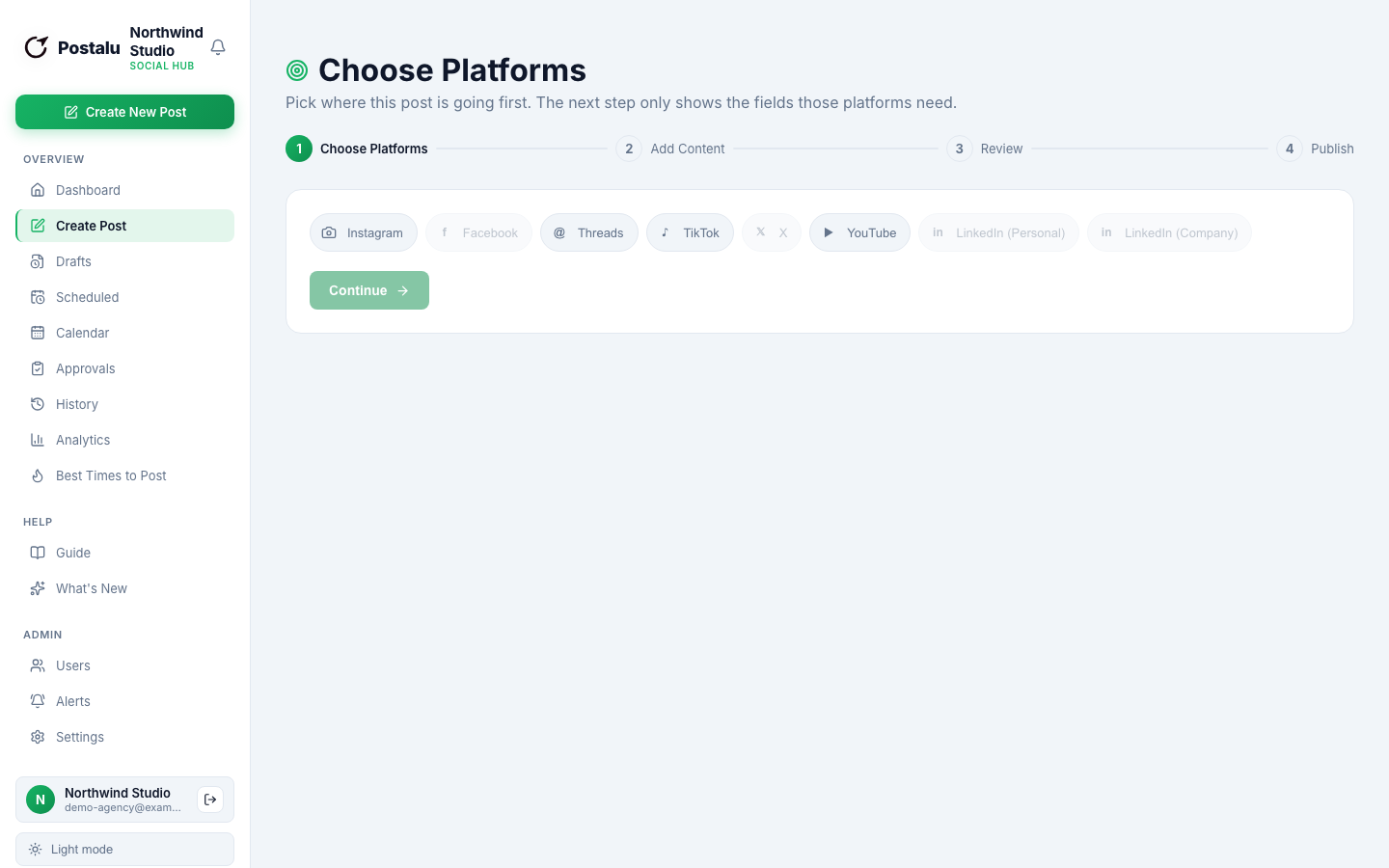
Every Instagram format from one composer
Add your media once, adjust the caption for Instagram and see how it will look before it goes out.
- Photos, Reels, carousels and Stories
- Pick a Reel cover frame or upload your own
- Add alt text to photo posts
Plan
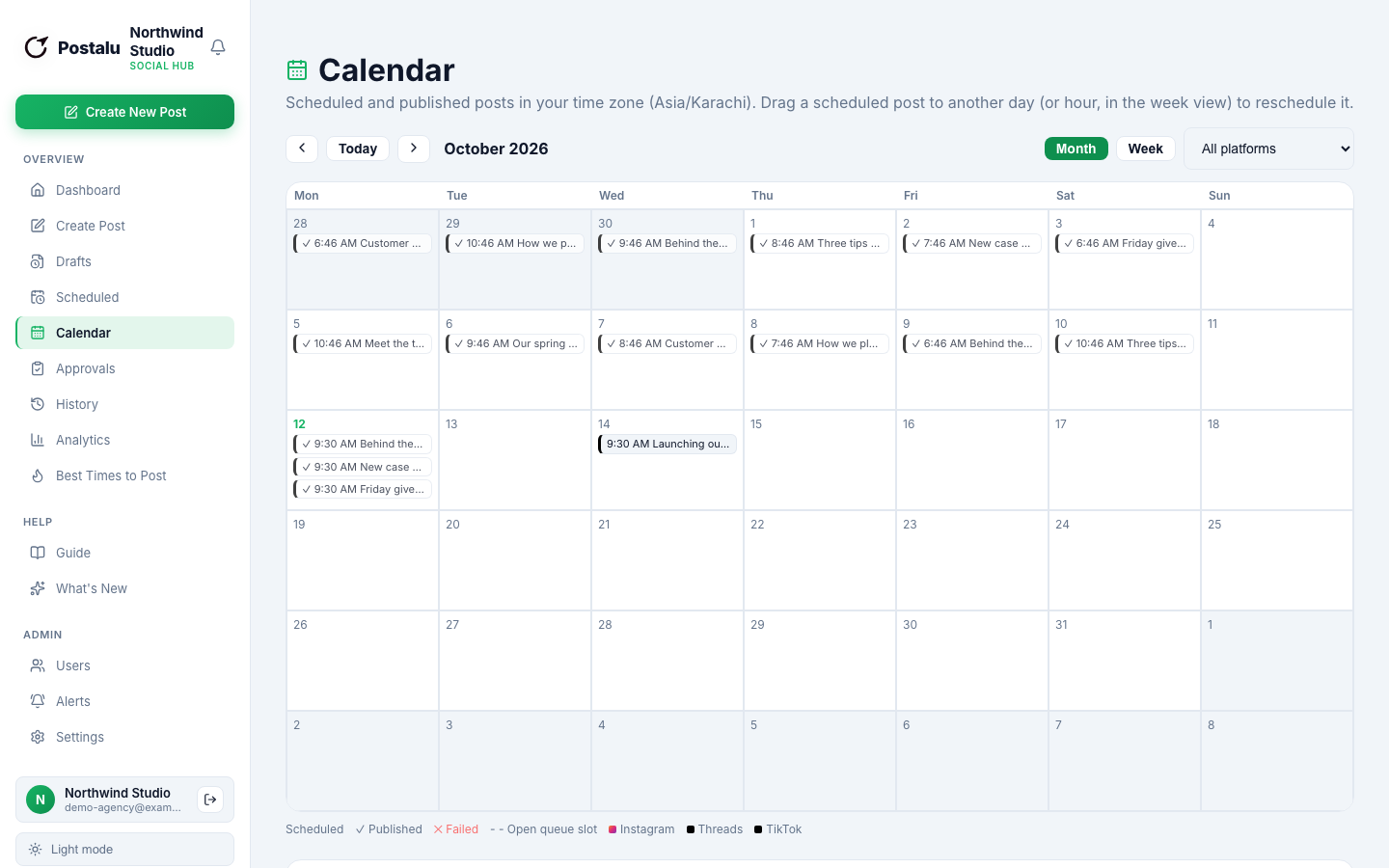
A calendar that shows the whole week
Drag posts between days, keep a steady rhythm and see Instagram next to your other channels.
- Schedule days or weeks ahead
- Queue slots for the next free time
- Approvals before anything goes live
Learn
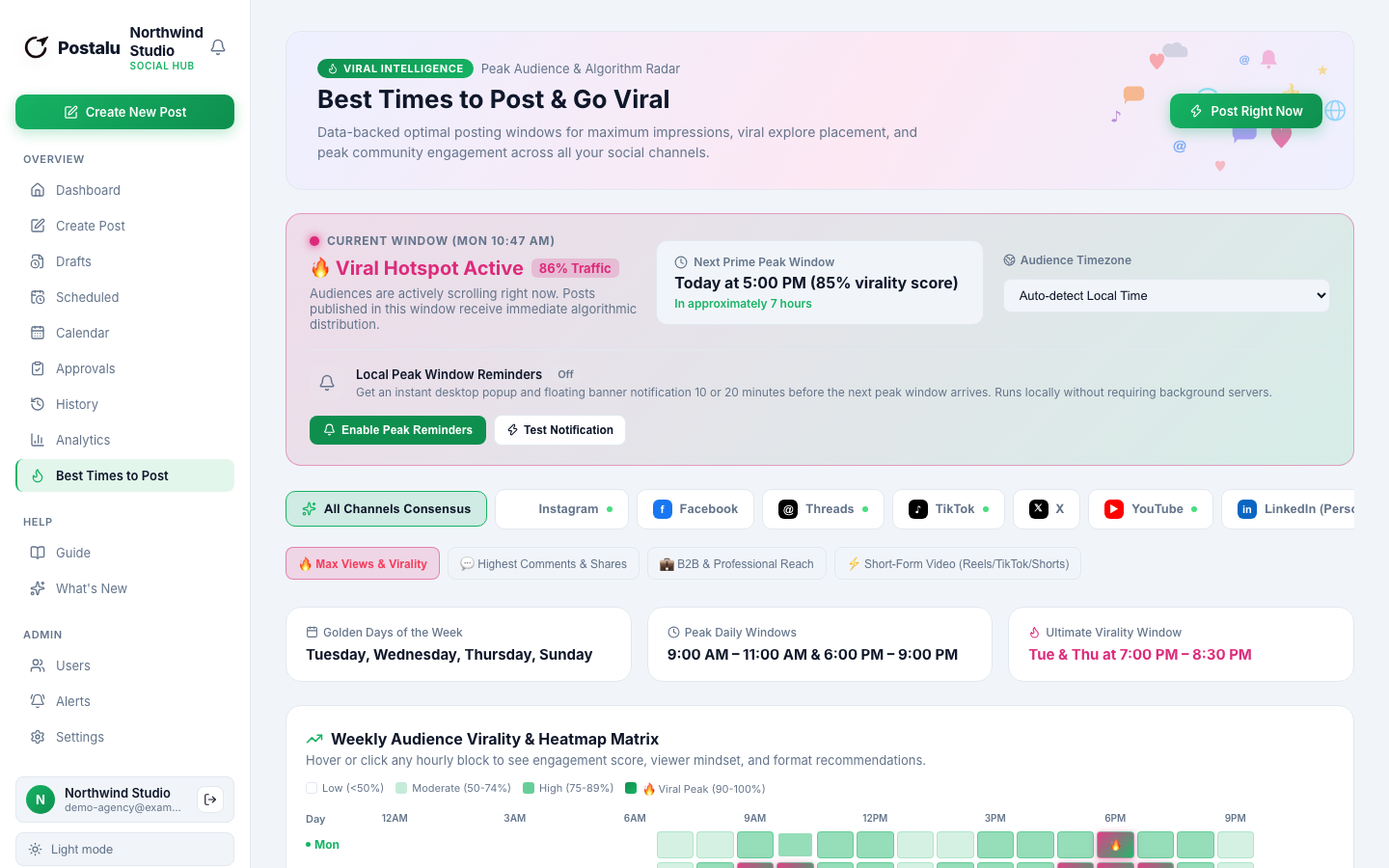
See what worked, and when to post
Track reach, likes and comments for each post and use best-time suggestions for your audience.
- Reach, likes and comments per post
- First comment posted automatically
- A history of every publish
How it works with Instagram
1. Connect
Sign in to Postalu and connect your account. Your login stays with the platform; Postalu never sees your password.
2. Write once
Add your text and media in one composer and adjust the caption for each channel.
3. Schedule or publish
Pick a time on the shared calendar, or publish now, and follow the result in your history.
