

Postalu × LinkedIn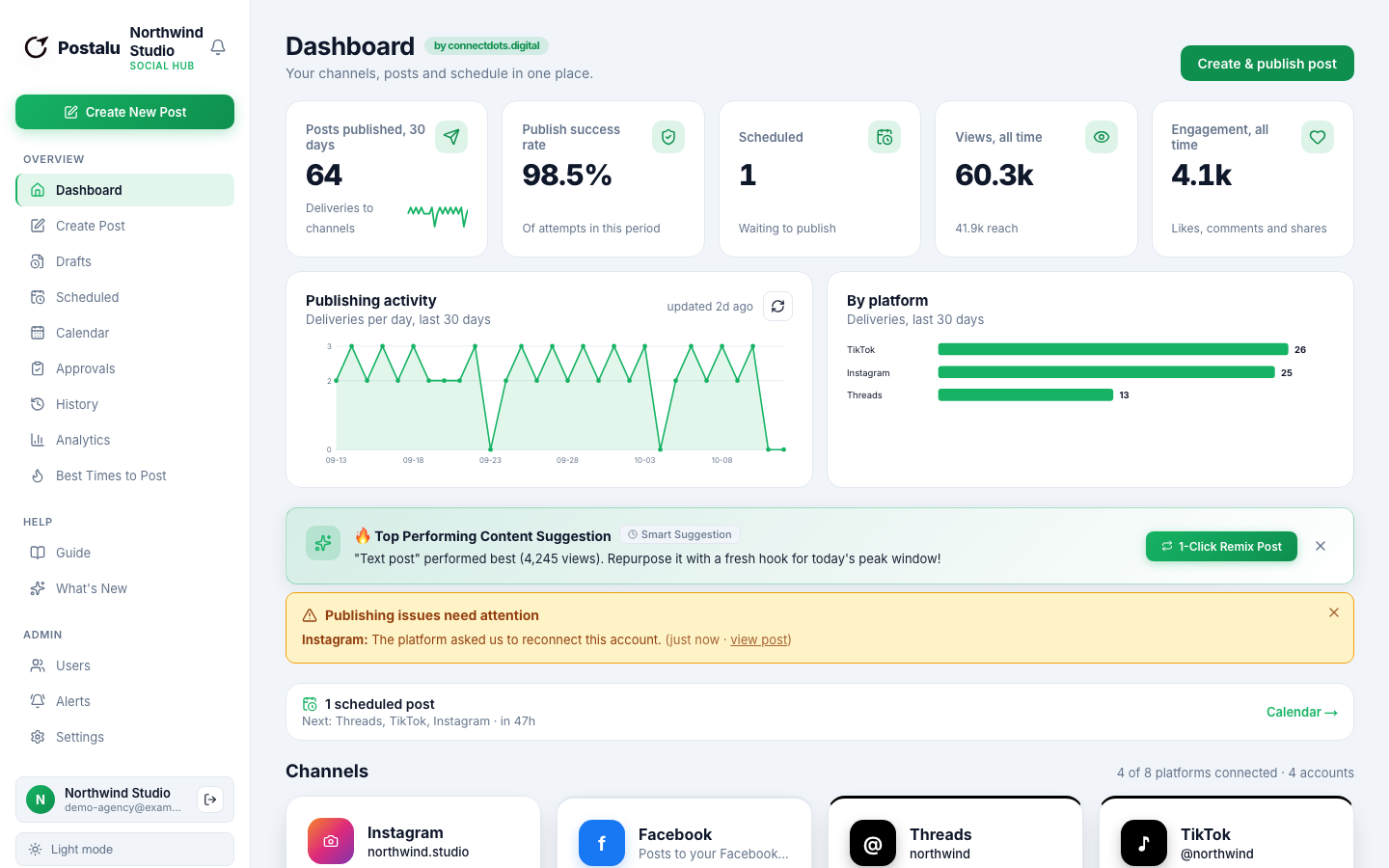
Schedule LinkedIn posts for you or your company
Publish to a personal profile or a Company Page, with approval before anything goes live.
Publish to LinkedIn
- Personal profile
- Company Page
- Photos and video
- Multi-image (2 to 20)
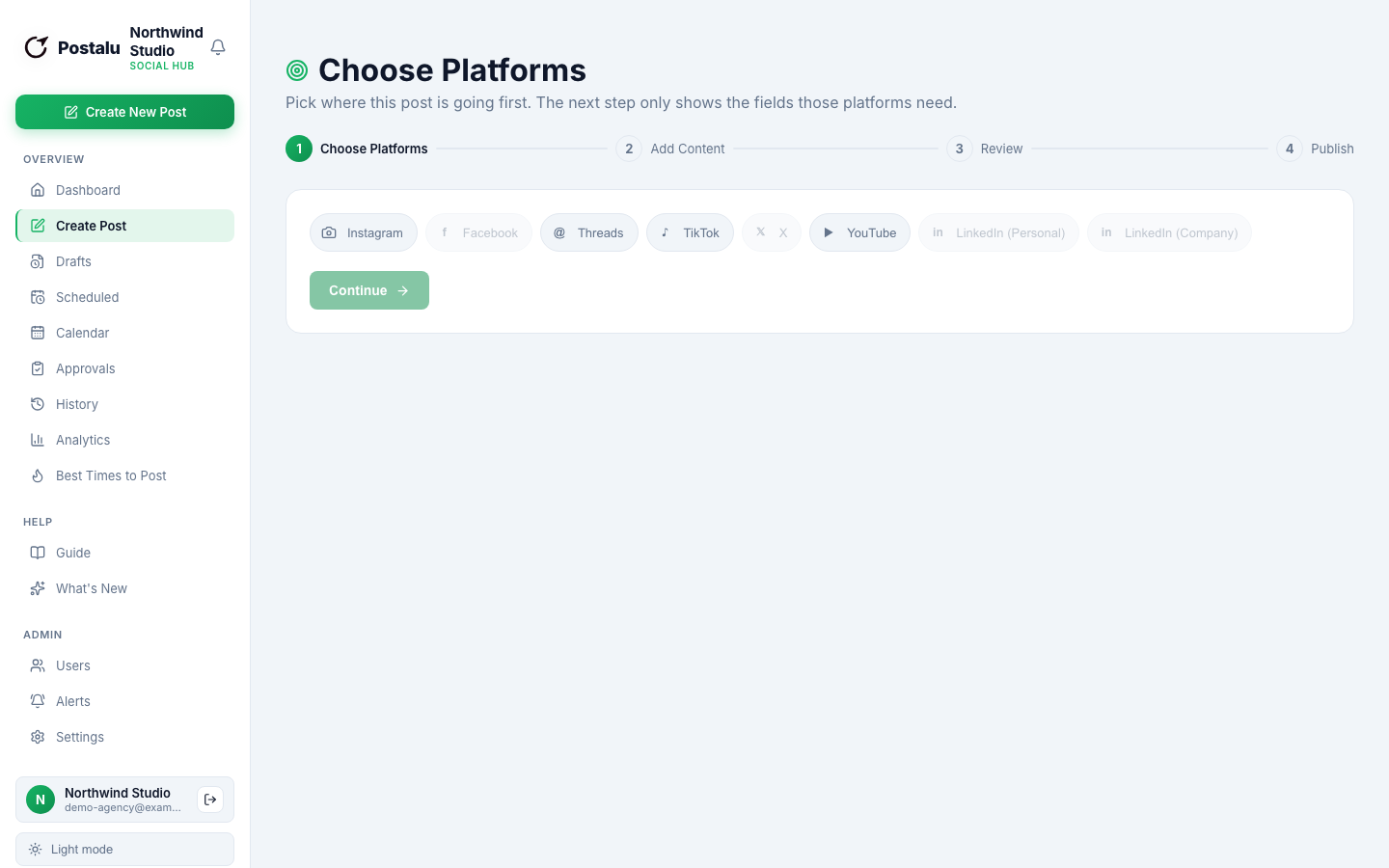
Write
Profile or Company Page, your choice
Choose where each post goes, with separate permissions for who may publish to a person or a page.
- Photos, video and multi-image posts
- First comment with your link
- A preview of the post
Review
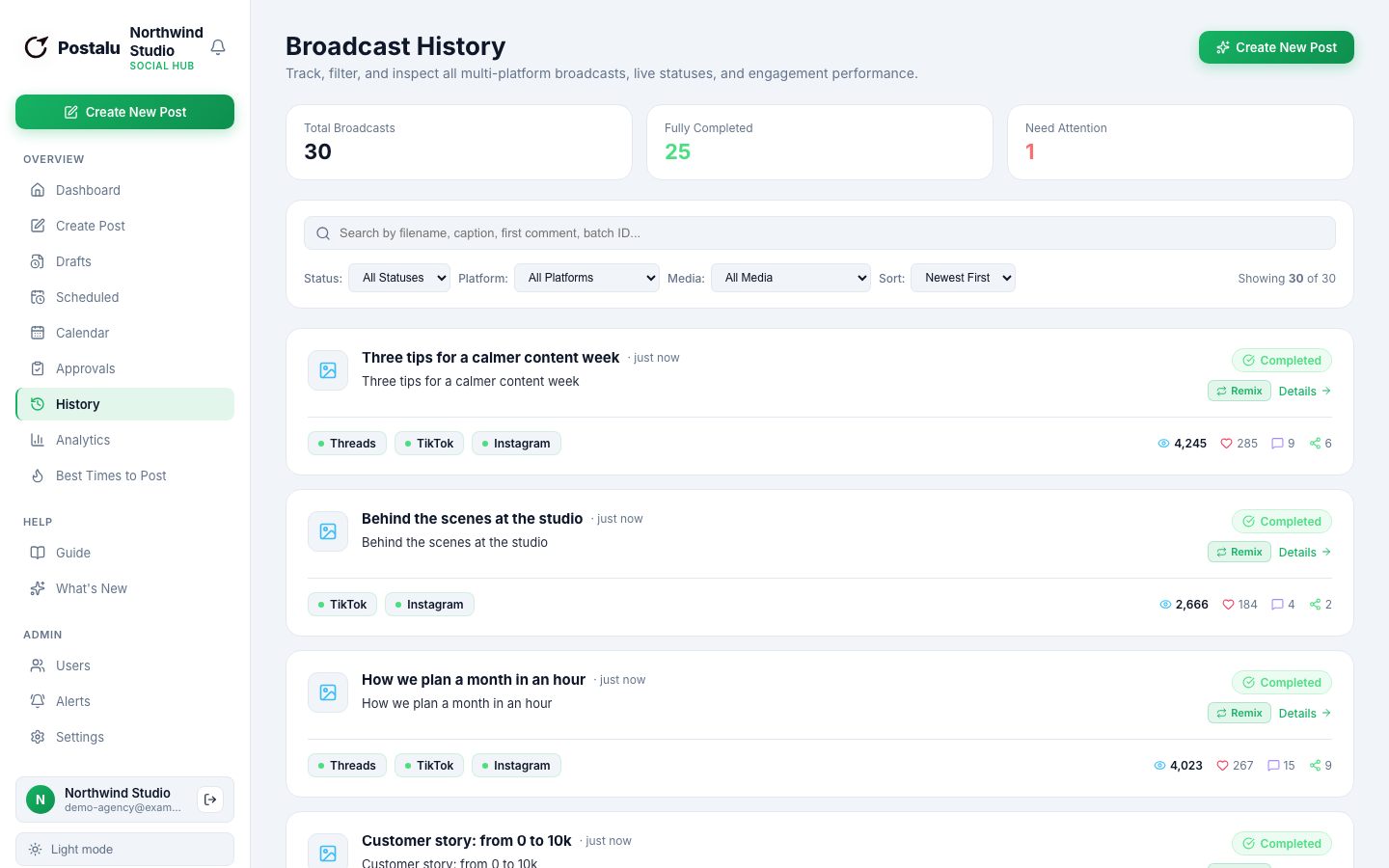
Approvals built for teams and agencies
Reviewers approve, schedule or return a post with a note, before it reaches your audience.
- Roles and permissions
- Approve, schedule or return
- An audit log your clients can trust
Learn
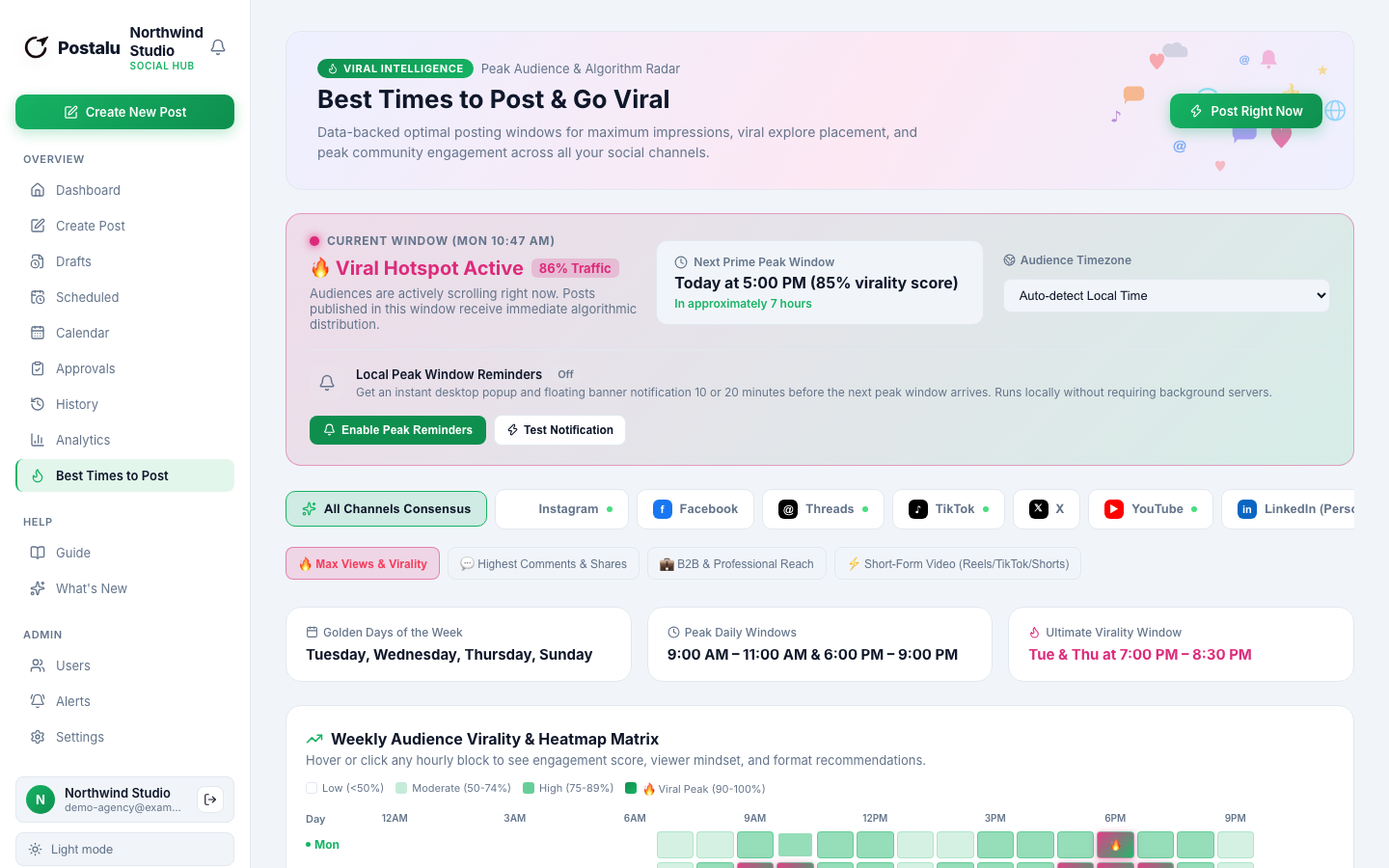
Views, reach and reactions
Track how your posts perform and post at the times your audience is online.
- Views, reach and reactions
- Best-time suggestions
- Comments and shares
How it works with LinkedIn
1. Connect
Sign in to Postalu and connect your account. Your login stays with the platform; Postalu never sees your password.
2. Write once
Add your text and media in one composer and adjust the caption for each channel.
3. Schedule or publish
Pick a time on the shared calendar, or publish now, and follow the result in your history.
